
Your Google Business Profile is the box with the map, the hours and the reviews that shows up when someone searches for a business nearby. It’s free. According to Google, a complete, accurate profile is more likely to show up in local searches. Google Business Profile optimization comes down to filling in each field well. Here they are, one at a time.
How do you get your profile verified?
Until your profile is verified, you can’t reply to reviews or post.
Three steps to verify it
- Claim your profile on Google with your business name and address.
- Follow the method Google offers: text, email, video call or postcard. Google picks.
- If it’s the postcard, request it tonight. You save the waiting days.
What name should go on your profile?
Your sign’s name, nothing more. Garage Morvandeau in Sherbrooke is “Garage Morvandeau” on Google too, without “cheap tires Sherbrooke” tacked on.
Google bans keywords and town names added to the name, and allows one profile per business. Your name is in French? Leave it in French.
Which category should you pick?
The most precise one. Google’s example: a salon that mostly does nails picks “Nail salon.” Changing the primary category later can trigger verification again.
You go to the customer? Hide your address
The Joliette plumber who works from home has no counter. Google plans for this: he removes his address and lists the towns he travels to.
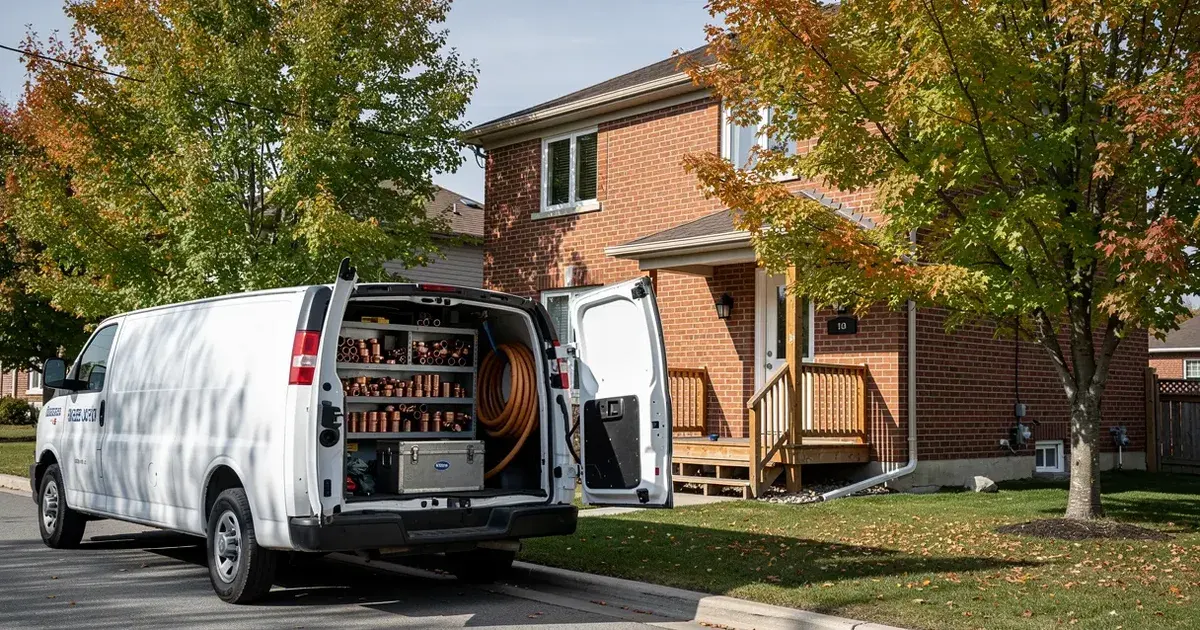
Google asks you to stay within about two hours’ drive of your base.
How do you enter holiday hours?
Regular hours go in the hours tab. Closed for lunch? Add two time ranges on the same day.
Holidays go separately, in special hours. On June 24, if Google says “open” and the door is locked, the customer remembers. Enter Saint-Jean-Baptiste Day, Labour Day and the holidays as soon as you know your dates.
What should the description say?
Your services and the story of the business, the way you’d say it at the counter: “Neighbourhood bakery in Joliette. Sourdough, pastries, cakes to order.” Google rejects discounts in this field.
Your services, one by one
Google suggests services based on your category. Add your own, with a price if you like. The garage lists “tire change,” “alignment,” “brakes,” and the customer sees right away whether you do what they need.
Which photos should you add?
The storefront, so people recognize you from the parking lot. The counter. The team. A finished job. Google asks for sharp, well-lit, true-to-life photos.
| The minimum accepted | 250 px |
|---|---|
| What Google recommends | 720 px |
Source: Google
A recent phone is enough. Keep each file under 5 MB, as JPG or PNG.
How do you ask for Google reviews?
Google encourages you to ask. The day after a good job, a text with the link is enough. For the counter, our free Google review poster puts your link in a print-ready QR code.
Google bans three things:
- offering a discount or gift for a review;
- asking only happy customers;
- telling the customer what to write.
Reply to the reviews waiting for you, the weaker ones too. The next customer will read your reply.
Where do promotions go?
In posts. The winter tire deal, Saturday’s tasting, summer hours: a photo, a few lines and a button.
Can you pay Google to show up first?
No. Google says it plainly: nobody can pay for a better local ranking, your competitor included. A complete profile, reviewed once a year and updated when your hours change, is what’s in your hands.
Your evening, in order
- Start verifying the profile
- Enter the exact name on your sign
- Pick the most precise category
- Enter the coming months’ holidays
- Write the description in three sentences
- Add the storefront, the counter and a finished job
- Reply to the reviews waiting for you
No time to keep it current? We set up your Google Business Profile and keep it accurate every month, included in the base price.
Want to see your profile and your site together? Request your free preview.